🤖 Production-Ready AI Agents: 5 Hard Lessons from Refactoring a Monolith
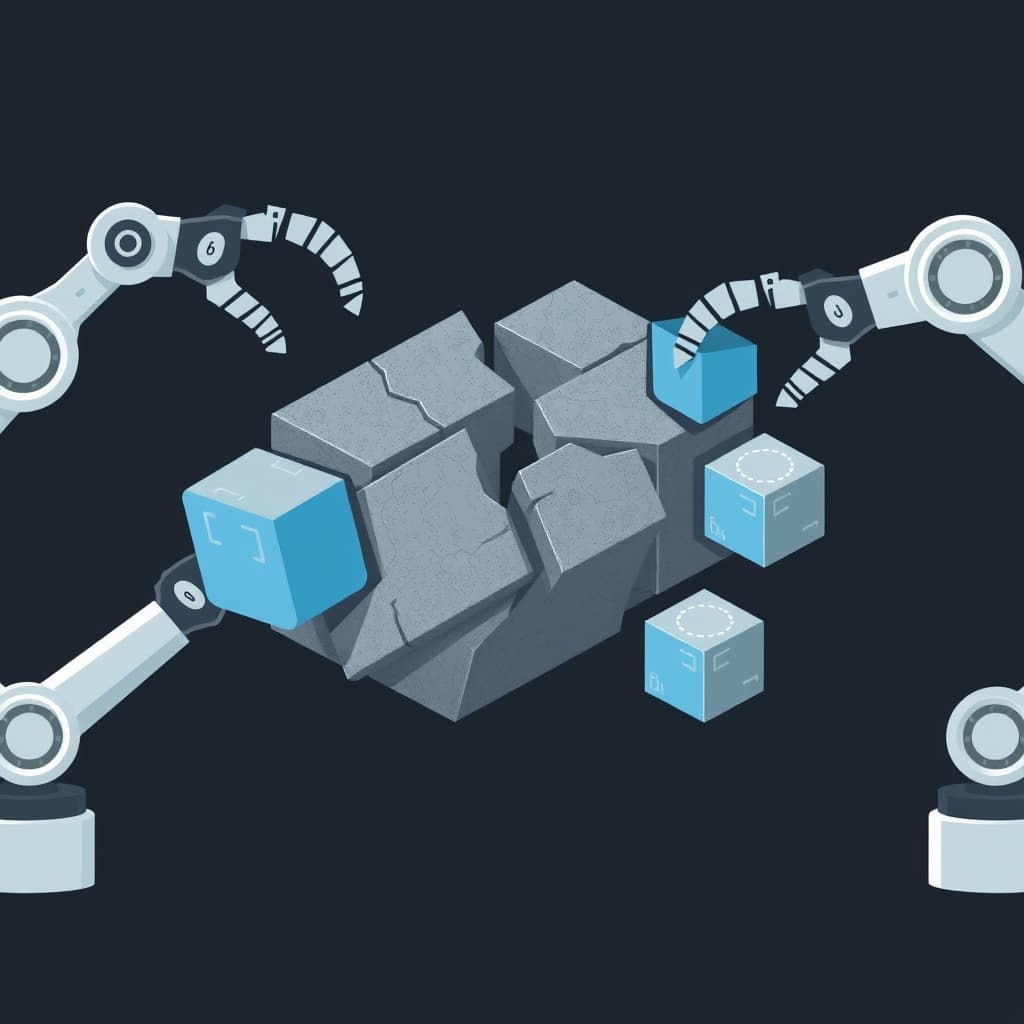
The Monolith Trap
I've been building AI-powered features for the past couple of years, and if there's one pattern I've seen fail more times than I'd like to admit, it's this: everyone starts with a monolithic agent script. A single Python file or Node module that calls an LLM, parses the response, does something with it, and prays nothing breaks.
It works great in a demo. Then production traffic hits, and suddenly your beautifully crafted agent starts hallucinating tool calls, silently swallowing errors, and burning through your API budget like there's no tomorrow. I've been there — more than once.
Google recently published a candid post about refactoring a sales research prototype into a production-grade agent using their Agent Development Kit (ADK), and the lessons they shared line up almost perfectly with what I've learned the hard way. Here's the distilled wisdom.
Lesson 1: Decompose Into Sub-Agents Early
The biggest mistake I made early on was letting a single agent handle everything — fetching data, reasoning about it, deciding what to do next, formatting output. The problem? Prompt bloat. Every new responsibility meant more context, more edge cases, and more ways for the LLM to go off the rails.
The fix is brutally simple: split your system into specialized sub-agents. A research agent that only gathers data. A reasoning agent that analyzes it. A writing agent that formats the output. Each sub-agent has a focused system prompt, a narrow set of tools, and a clear success criteria.
// Before: monolithic agent handling everything
const agent = new Agent({
  tools: [searchTool, analyzeTool, writeTool, emailTool, dbTool],
  systemPrompt: "You are a research assistant that can do everything..."
});

// After: specialized sub-agents
const researchAgent = new Agent({ tools: [searchTool], systemPrompt: "..." });
const analysisAgent = new Agent({ tools: [analyzeTool], systemPrompt: "..." });
const outputAgent = new Agent({ tools: [writeTool], systemPrompt: "..." });
Each sub-agent returns structured output that the next one consumes. This makes debugging trivial — you can test each agent in isolation, and when something breaks, you know exactly where.
Lesson 2: Structured Outputs Are Non-Negotiable
Raw LLM text parsing is a silent killer. I can't count how many times I saw JSON.parse() fail because an LLM decided to wrap its response in markdown code fences with a slightly different label than expected.
Use Pydantic (Python) or Zod (TypeScript) schemas for every agent output. If your framework supports constrained decoding or structured generation, enable it. Google's ADK uses Pydantic models natively, and the difference in reliability is night and day.
from pydantic import BaseModel
from typing import List, Optional

class ResearchFinding(BaseModel):
    title: str
    key_points: List[str]
    confidence_score: float  # 0.0 to 1.0
    source_url: Optional[str] = None
When your agent returns a ResearchFinding instead of unstructured text, downstream systems can validate, transform, and route data without any fragile parsing logic.
Lesson 3: Dynamic RAG Is a Requirement, Not a Nice-to-Have
Static knowledge bases die on contact with real-world queries. If your agent relies on a fixed set of documents retrieved at startup, you're building a demo, not a production system.
The production approach is dynamic RAG — retrieve context at query time based on the actual question being asked. Use embedding models (like the newly announced Gemini Embedding 2) to vectorize both your documents and the user's query, then retrieve the most relevant chunks dynamically.
async function retrieveContext(query: string) {
  const embedding = await embeddingModel.embedQuery(query);
  const results = await vectorStore.similaritySearch(embedding, 5);
  return results.map(r => r.content).join('\n\n');
}
This keeps your agent's context window focused and relevant. No more dumping entire documentation sets into every prompt.
Lesson 4: Observability From Day One
You cannot debug what you cannot see. Add OpenTelemetry tracing, structured logging, and token usage tracking from the very first line of agent code, not after something breaks in production.
Every agent call should produce a trace that shows:
- The full input prompt (truncated if needed)
- Which tools were called and with what arguments
- Token counts per call
- Latency breakdowns
- The final structured output
I use OpenTelemetry auto-instrumentation with exporters to Jaeger or Google Cloud Trace. It's saved me hours of debugging time more times than I can count.
Lesson 5: Deterministic Code for Execution, Probabilistic for Reasoning
This is the most important architectural principle: use LLMs for reasoning and decision-making, but use deterministic code for actual execution.
Don't let your LLM handle string parsing, date formatting, arithmetic, or any operation where a wrong answer is unacceptable. Instead, have the LLM output a structured intent, and let verified code execute it.
// ❌ Bad: Letting the LLM execute
const llmResponse = await llm.call("Send an email to [email protected]");
// LLM might format it wrong, miss the subject, or hallucinate!

// ✅ Good: LLM specifies intent, code executes
const intent = await llm.structuredCall(SendEmailIntent);
await emailService.send(intent.to, intent.subject, intent.body);
// Deterministic code handles execution
The Bottom Line
Building production AI agents isn't about prompt engineering — it's about software engineering with LLMs as a component. The same architectural principles that make good distributed systems (modularity, structured contracts, observability, separation of concerns) apply here with extra emphasis.
Start with sub-agents, enforce structured outputs, RAG dynamically, trace everything, and keep probabilistic LLM calls in the reasoning layer only. Your agent will thank you — and so will your production on-call rotation. The lessons here come from real production experience — the same patterns I used to build The Drive Center and the agent workflows described in my Gemini CLI Subagents post.
If you're evaluating whether agents are production-ready, my honest take is in React Server Components vs Qwik — the same "trust but verify" principle applies.
Further Reading
Related Articles
Next.js App Router vs Pages Router — When to Use Each in 2026
Next.js App Router vs Pages Router — When to Use Each in 2026 The Question I Keep Getting Asked J
Why I Ditched My Database for a Static Site (And Why You Might Want To)
Why I removed my database and went fully static. JSON files + Markdown + build process = faster, sim
🏗️ Frontend Build Tools Are Hitting a Wall — Here's What Comes Next
The Speed Obsession For the last five years, the frontend tooling ecosystem has been locked in an a