🔌 No Dumb Questions: What Is an MCP Server and Why Should You Care?
The Acronym That Keeps Popping Up
If you've been anywhere near AI development this year, you've probably seen "MCP" mentioned at least a dozen times. Model Context Protocol. It sounds like yet another standard nobody asked for — but hear me out, because this one actually matters.
Stack Overflow recently published a "No Dumb Questions" explainer on MCP, and it reminded me how many developers (myself included, at first) struggle to understand what it really is and why it's relevant. Let me break it down from a fullstack developer's perspective.
What MCP Actually Is
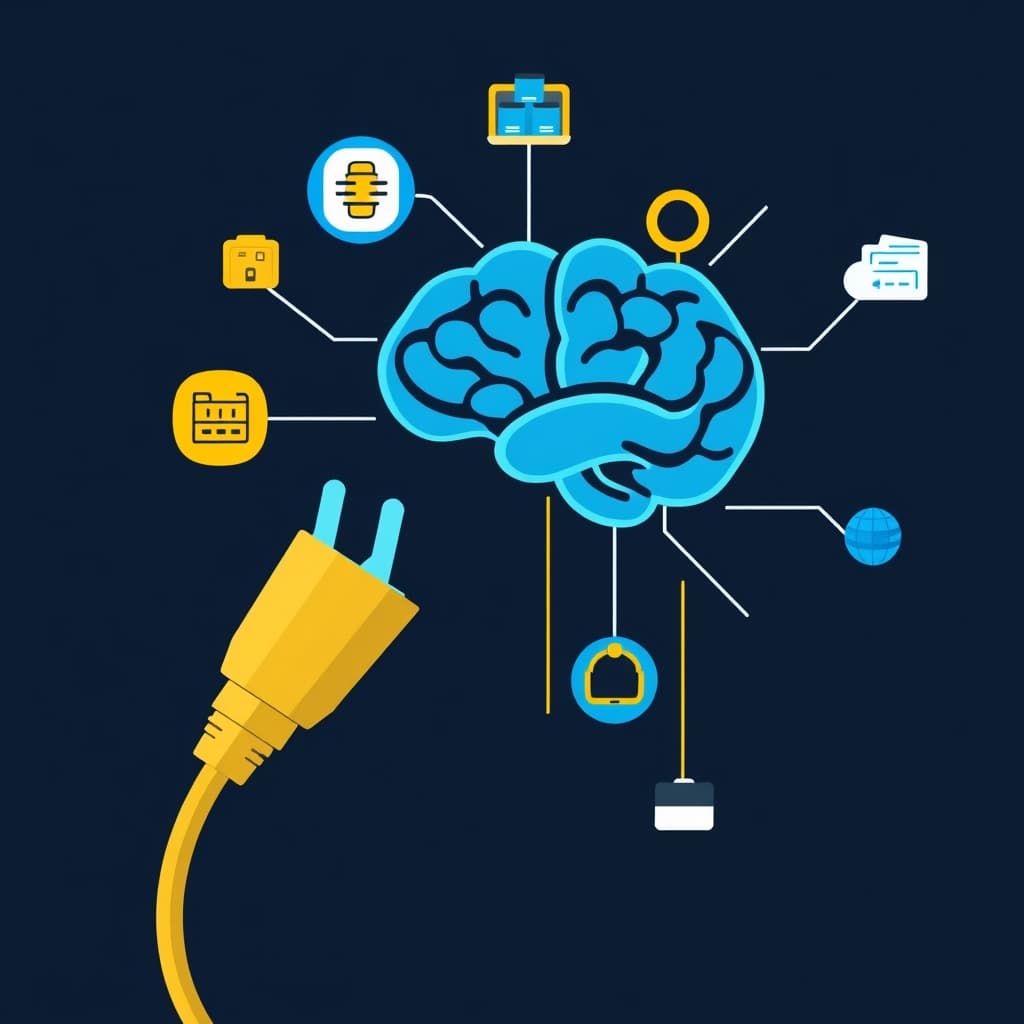
At its simplest, MCP is a standardized way for AI models to interact with external tools and data sources. Think of it as USB-C for AI agents — a common interface that any model can use to connect to any tool, database, or API without custom integration code.
Before MCP, if you wanted an LLM to query a database, send an email, or fetch from an API, you had to:
- Write custom function-calling logic for each tool
- Handle the tool definitions in the model's specific format (OpenAI's format, Anthropic's format, Ollama's format — all different)
- Manage authentication and state yourself
With MCP, the model server advertises available tools via a standard protocol. Any MCP-compatible client (Claude Desktop, Cline, Roo Code, and now Google's ADK and Gemini CLI) can discover and invoke those tools with zero glue code.
A Concrete Example
Let's say you want your AI coding assistant to be able to query your project's PostgreSQL database directly.
Before MCP: You write a custom tool handler, register it with your agent framework, format the function schema for each LLM provider, and wire up error handling yourself.
With MCP: You run an MCP server that exposes the database as a tool:
import { Server } from '@modelcontextprotocol/sdk/server/index.js';
import { StdioServerTransport } from '@modelcontextprotocol/sdk/server/stdio.js';

const server = new Server({
  name: 'postgres-mcp-server',
  version: '1.0.0',
}, {
  capabilities: { tools: {} },
});

server.setRequestHandler(ListToolsRequestSchema, async () => ({
  tools: [{
    name: 'query_database',
    description: 'Execute a read-only SQL query',
    inputSchema: {
      type: 'object',
      properties: {
        sql: { type: 'string', description: 'SQL query to execute' },
        params: { type: 'array', items: { type: 'string' } },
      },
      required: ['sql'],
    },
  }],
}));

server.setRequestHandler(CallToolRequestSchema, async (request) => {
  if (request.params.name === 'query_database') {
    const { sql, params } = request.params.arguments;
    const result = await pool.query(sql, params);
    return { content: [{ type: 'text', text: JSON.stringify(result.rows) }] };
  }
});

const transport = new StdioServerTransport();
await server.connect(transport);
Now any MCP-compatible AI client can connect to this server and query your database — no custom integration, no provider-specific glue, no duplicated effort.
Why This Matters for Fullstack Developers
Here's the real kicker: MCP isn't just for AI researchers or ML engineers. It's a tooling standard that every fullstack developer should understand.
Think about your development workflow. You use a bunch of tools daily — your database, your cloud provider's API, your CI/CD pipeline, your monitoring stack, your issue tracker. Each of these has an API, but connecting an AI assistant to all of them requires custom integration work.
MCP standardizes this. Write an MCP server once for your internal tool, and any AI agent your team uses can leverage it. Need an agent that can look up production logs, query the database, file a Jira ticket, and deploy a hotfix? That's four MCP servers working together.
The Ecosystem Is Growing Fast
MCP support is exploding. Here's what's compatible or building support as of May 2026:
- Claude Desktop — native MCP support since early 2025
- Google Agent Development Kit (ADK) — first-class MCP integration
- Gemini CLI — recently added subagents + MCP tool support
- Cline / Roo Code — VS Code extensions with MCP support
- OpenAI — adding MCP compatibility to the Agents SDK
- Custom servers — hundreds of community-built MCP servers on GitHub for everything from GitHub to Slack to Figma
The Stack Overflow article drives this home: MCP is turning into the universal plug-in protocol for AI tools, and ignoring it means your team will be reinventing the same tool interfaces over and over.
Should You Build an MCP Server?
If you maintain an internal tool, API, or data source that your team regularly queries via AI, yes, absolutely. It's a small upfront investment that pays dividends in reduced integration debt.
Here's my rule of thumb: if it has an API and you've ever wished your AI coding assistant could talk to it directly, that's a candidate for an MCP server. Start with your database, your issue tracker, and your documentation — those three cover 80% of what developers need from AI assistants anyway.
The Bottom Line
MCP isn't another buzzword to ignore. It's the infrastructure layer that makes the "AI agent in every developer's toolbelt" vision actually work. It turns the promise of tool-using AI from a per-provider hack into a universal standard.
If you build software for a living, learn MCP. Write a small server for something you use daily. The time investment is tiny, and the perspective you gain on how AI tooling is evolving is invaluable. MCP servers are what power the agent workflows I describe in my Gemini CLI Subagents post. If you want to understand the infrastructure behind it, start here.
For the full production context — how these agents deploy and orchestrate real infrastructure — see my Dokploy + VPS guide.
Further Reading
Related Articles
🤖 Multi-Agent Workflows Just Got Easier: Gemini CLI Subagents Are Here
Google just dropped something that changes the game for anyone building with AI agents — subagents i
🔥 Mojo 1.0 Beta Is Here — Python for AI Just Got a Serious Upgrade
Mojo — the language that promised to merge Python's developer experience with Clevel performance — j
🤖 Production-Ready AI Agents: 5 Hard Lessons from Refactoring a Monolith
The Monolith Trap I've been building AIpowered features for the past couple of years, and if there'