🎯 The Definitive Guide to Image Privacy & Orientation in Laravel
 laravel image upload
🧭 The "Why": Beyond Just Pixels
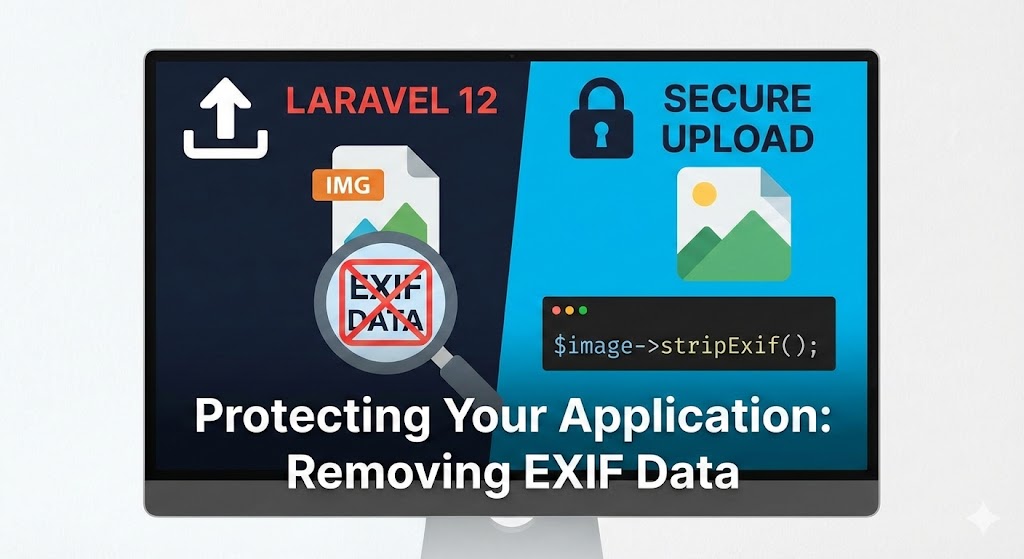
As senior developers, we often focus on performance and storage, but privacy is a critical security layer. When a user (especially an artist) uploads a photo from their smartphone, they aren't just uploading an image. They are uploading a treasure trove of metadata known as EXIF data.
This metadata often includes:
- Precise GPS Coordinates: The exact latitude and longitude of the artist's home or studio.
- Device Details: Phone model, OS version, and camera settings.
- Orientation Flags: Instructions telling the browser to rotate the image (which can be lost during processing).
The Risk: A malicious actor can download these public images, extract the GPS data, and locate the artist's physical studio. Metadata is privacy debt—pay it off instantly by stripping it on upload.
🛠️ Step 1: The "Gift of Sight" (Server Extensions)
Your server is "blind" to image metadata by default. It can't see the orientation or the GPS because it lacks the EXIF extension. Without this, PHP is "blind" to metadata and cannot perform rotations.
On Local (Linux/Ubuntu)
sudo apt update

sudo apt install php8.4-exif # Replace with your version
On Remote (Docker/FrankenPHP)
Ensure your Dockerfile includes the extension in the installation list:
RUN install-php-extensions exif
🏗️ Step 2: The Sanitization Station (Implementation)
In this project, we utilize the TALL stack and Intervention Image v3. To secure our pipeline, we ensure every image passes through a "Sanitization Station" before it touches our Cloudflare R2 bucket.
Reliability First: The "Robust Read"
Intervention Image sometimes struggles with UploadedFile objects in high-load or containerized environments. We switch to reading the Physical Temporary Path for 100% reliability.
// Before (Unreliable EXIF detection)

$image = Image::read($file);


// After (Industrial Strength - Senior Way)

$image = Image::read($file->getRealPath());
🔄 Step 3: Physical Transformation vs. Metadata
Mobile photos often don't physically rotate pixels; they just add an "Orientation flag." If you strip metadata before rotating, your vertical photos will turn horizontal.
The Fix: Orient BEFORE Strip
We tell PHP to physically move the pixels to the correct upright position while it still has the "gift of sight."
// 1. Physically rotate pixels based on original metadata

$image->orient();
🛡️ Step 4: The Privacy Shield (Strip)
Once the pixels are upright, the orientation metadata is no longer a helper—it's a Redundant Debt. If we keep it, some browsers might try to rotate the upright image again, making it crooked.
We solve the privacy leak and the "Double Orientation Trap" in one go:
/**

* 🛡️ THE PRIVACY SHIELD

* In Intervention Image v3, we use the encoder-level 'strip' parameter.

* This ensures that EXIF, GPS, and camera metadata are permanently purged.

*/

$encoded = $image->toWebp(

quality: 90,

strip: true // <--- Absolute Privacy & Orientation Safety

);
🧠 Senior Wisdom: Best Practices
-
Bypass Temporal Storage: Standard Livewire uploads (
WithFileUploads) can be problematic on ephemeral filesystems. Reaching for a direct Controller viafetch(as we did in the Projects feature) is more robust for Docker environments. -
Double Orientation Trap: Never leave the Orientation tag behind if you have physically rotated the pixels. Wiping metadata completely (Step 4) is the only way to guarantee a "No Ambiguity Strategy" across all browsers.
-
Defense in Depth: Even if your storage bucket (R2/S3) is private, the publicly served image must be clean. Never assume that "private storage" means "private metadata."
🏁 Conclusion
Security isn't always about firewalls and salts; sometimes it's about the invisible data hiding inside a beautiful portrait. By implementing a physical-first rotation followed by an absolute metadata wipe, you are protecting your users from real-world physical risks while ensuring a flawless visual experience.
Stay Secure. Build Robust.