🎨 UI UX Pro Max Skill - Linux Setup Guide
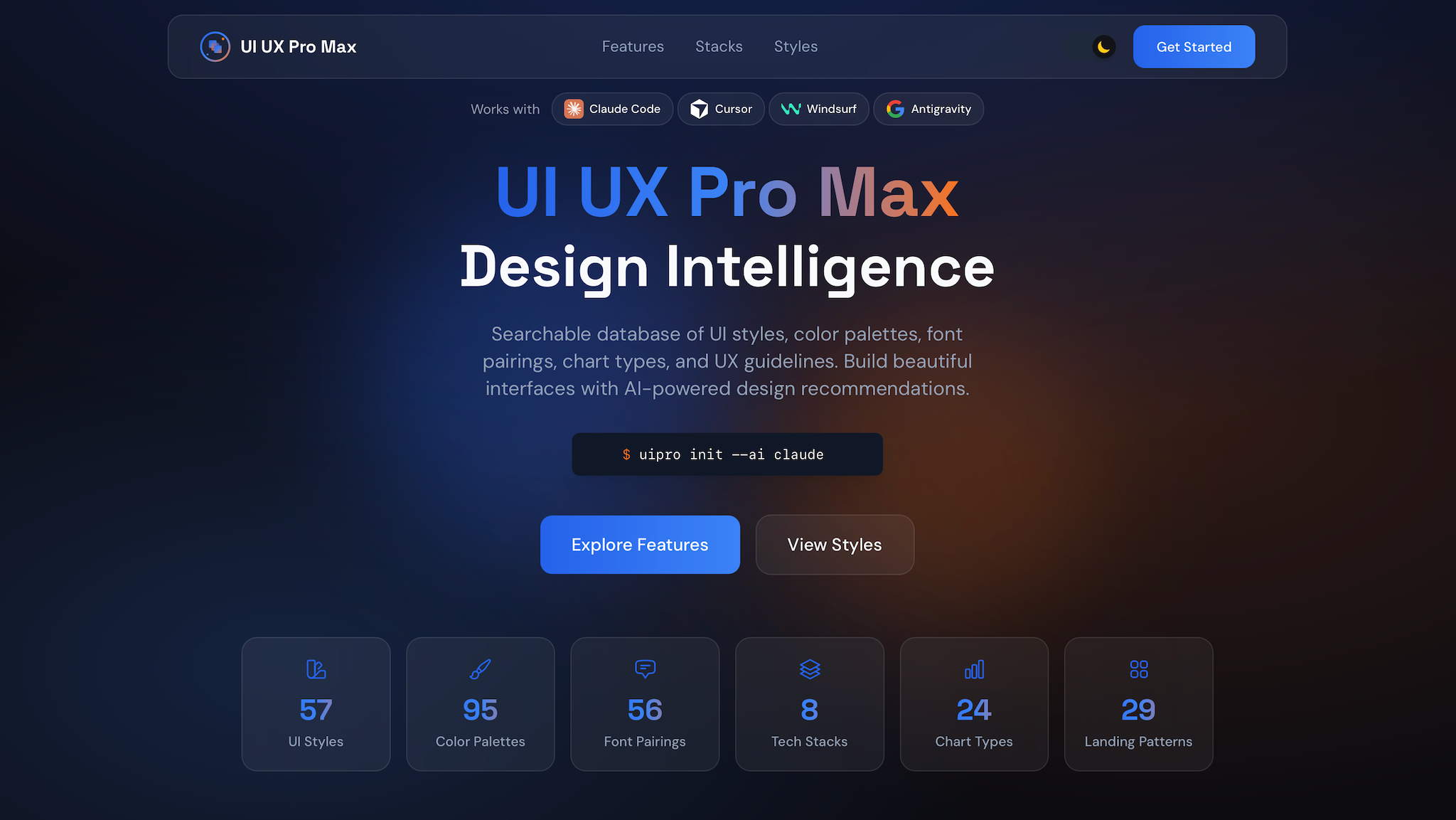
This guide covers the installation and integration of the UI/UX Pro Max skill for Linux environments, specifically optimized for Antigravity.
🚀 Installation
1. Prerequisite: Python 3.x
Ensure Python 3 is installed (needed for the search & reasoning engine):
# Ubuntu/Debian

sudo apt update && sudo apt install python3 -y
2. Install UI Pro CLI
Install the CLI globally using npm (as requested with sudo):
sudo npm install -g uipro-cli
3. Initialize for Antigravity
Navigate to your project directory and link the skill to your AI assistant:
cd /path/to/your/project

uipro init --ai antigravity
🛠️ Usage in Antigravity
Once installed, the skill activates automatically for UI/UX requests. You can also trigger it explicitly.
Basic Prompting
/ui-ux-pro-max Build a landing page for my SaaS product
What happens behind the scenes:
-
Request Analysis: Your requirement is parsed.
-
Design System Generation: AI generates a complete style guide (Colors, Typography, Patterns).
-
Execution: Antigravity implements the code based on these rules.
💎 Advanced Design System (Master + Overrides)
Save your design system to files for persistent use across sessions.
Generate & Persist Master File
This creates a design-system/MASTER.md file.
python3 .gemini/skills/ui-ux-pro-max/scripts/search.py "SaaS dashboard" --design-system --persist -p "MyAppName"
Page-Specific Overrides
If you need a specific style for a sub-page (e.g., "Checkout"):
python3 .gemini/skills/ui-ux-pro-max/scripts/search.py "SaaS dashboard" --design-system --persist -p "MyApp" --page "checkout"
[!TIP]
Context-Aware Retrieval: When building a page, mention:
"I am building the Checkout page. Please check design-system/MASTER.md and design-system/pages/checkout.md."
✅ Pre-Delivery Checklist
Before finishing a feature, ensure:
-
No emojis as icons (Use Lucide/Heroicons SVG).
-
Cursor-pointer on all clickable elements.
-
Smooth transitions (150-300ms) for hover states.
-
Accessibility: Contrast ratio 4.5:1 minimum (WCAG AA).
-
Responsive check: 375px, 768px, 1024px, 1440px.
🔍 Standalone Commands
Useful for quick reference without full code generation:
-
Style Search:
python3 .gemini/skills/ui-ux-pro-max/scripts/search.py "glassmorphism" --domain style -
Typography Pairing:
python3 .gemini/skills/ui-ux-pro-max/scripts/search.py "elegant serif" --domain typography -
Stack Guides:
python3 .gemini/skills/ui-ux-pro-max/scripts/search.py "responsive layout" --stack html-tailwindThe developer experience principles here extend to how I build and deploy everything — from this portfolio to The Drive Center. The same "zero friction" philosophy applies.
For the deployment automation that makes this possible, see my Dokploy + VPS guide.
Further Reading
Related Articles
Building a Zero-Effort Obsidian to Portfolio Workflow
Turn Obsidian notes into portfolio posts automatically. GitHub Actions + Cloudflare R2 = zero-effort
Cloudflared Tunnel Full Guide
Everything you need to know about Cloudflare Tunnel: installation, configuration, migration, and bac
🎯 The Definitive Guide to Image Privacy & Orientation in Laravel
Image privacy & orientation in Laravel: EXIF data, auto-rotation, secure uploads with S3 and R2.